
Are you struggling to keep your business finances organized? You might have heard about Xero, a popular accounting software, but wonder if it’s the right fit for your unique needs.
Whether you run a small startup or a growing company, understanding how Xero can work for you is key to saving time and reducing stress. You’ll discover how Xero can simplify your financial tasks, boost your productivity, and help your business thrive—no matter its size or industry.
Keep reading to find out if Xero is truly useful for your business.
Why Choose Xero For Business
Choosing the right accounting software is crucial for any business. Xero offers tools that help simplify financial tasks. It suits many types of businesses, from small startups to larger firms. The software focuses on ease and efficiency. It saves time and reduces errors in managing accounts.
Key Features That Drive Efficiency
Xero includes invoicing, bank reconciliation, and expense tracking. These features help keep finances up to date. Automation reduces manual work and mistakes. Reports are easy to generate, giving clear business insights. This helps owners make smart decisions quickly.
User-friendly Interface For All Levels
Xero’s interface is clean and easy to use. People with little accounting knowledge can navigate it easily. The dashboard shows important information clearly. Users can find tools and reports without hassle. Training time is short, saving time and money.
Cloud-based Accessibility Benefits
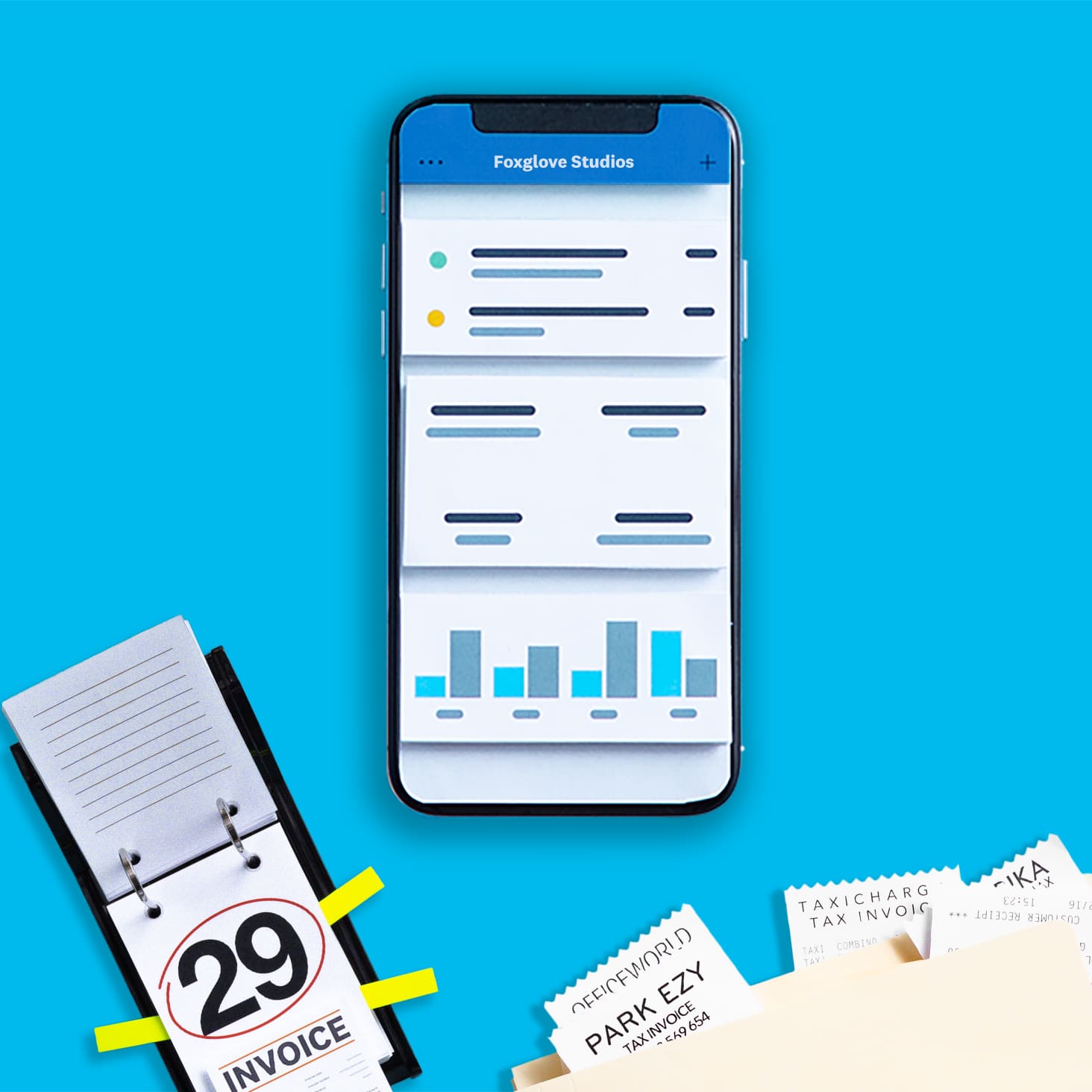
Xero is cloud-based, allowing access anywhere with internet. Teams can work together remotely, sharing real-time data. It ensures data is backed up and secure. Updates happen automatically, keeping the software current. This flexibility supports business growth and mobile work styles.
Credit: www.xero.com
Suitability For Different Business Sizes
Xero is designed to serve businesses of all sizes. Its features adjust to fit different needs. Small, medium, and large companies can use it effectively. Each business size benefits from specific tools that Xero offers.
Small Business Advantages
Small businesses find Xero easy to use. It simplifies invoicing and expense tracking. The cloud-based system means no software installation is needed. Owners can access data anytime and anywhere. It helps keep financial tasks organized and clear.
Medium-sized Business Solutions
Medium businesses need more detailed reports and controls. Xero offers robust reporting features for this. It supports multiple users with different access levels. Inventory management and payroll options suit growing teams. These tools help manage complexity and improve efficiency.
Large Enterprise Capabilities
Large enterprises handle high volumes of transactions. Xero scales to manage these demands smoothly. Integration with other business systems is strong. It supports advanced financial workflows and compliance needs. Large teams can collaborate easily using Xero’s platform.
Industry-specific Applications
Xero offers features designed to fit various industries. Its tools adapt to different business needs, making it useful for many sectors. This flexibility helps businesses manage their finances smoothly.
Each industry has unique challenges. Xero provides specialized functions that cater to these distinct requirements. This section explores how Xero supports retail, professional services, and manufacturing businesses.
Retail And E-commerce
Retailers benefit from Xero’s real-time inventory tracking. It helps keep product stock updated and avoids overselling. E-commerce stores can link sales platforms for easy order management. Xero also simplifies payment processing and sales tax calculation.
Professional Services
Professional service firms track billable hours with Xero. It makes invoicing clients quick and accurate. Expense tracking is straightforward, helping control project costs. Financial reports provide insights into profitability and cash flow.
Manufacturing And Wholesale
Manufacturers use Xero to monitor production costs and supplies. It helps manage purchase orders and supplier payments. Wholesale businesses track inventory and customer orders efficiently. Xero’s reporting tools assist in analyzing sales and expenses.
Financial Management And Reporting
Financial management and reporting are key to running any business well. Keeping track of money and understanding reports help business owners make smart choices. Xero offers tools that simplify these tasks. It helps businesses stay organized and see their financial health clearly.
Real-time Financial Insights
Xero shows up-to-date financial data anytime. This helps business owners know their cash flow and expenses quickly. No need to wait for monthly reports or paper statements. Real-time information means faster decisions and fewer surprises.
Automated Invoicing And Payments
Xero sends invoices automatically to customers. This saves time and reduces errors. It also tracks payments and sends reminders for overdue bills. Automation keeps money coming in on time and improves cash flow.
Customizable Reports For Growth
Xero offers reports that can be tailored to business needs. Owners can focus on sales, expenses, or profits. These reports help spot trends and plan for growth. Clear, simple reports make financial planning easier for any business size.
Integration With Other Tools
Xero works well with many other tools to make business tasks easier. Integration helps combine different software. This saves time and reduces mistakes. Businesses can manage finances, sales, and projects all in one place.
Connecting Xero to other apps lets you automate tasks. It keeps information updated across platforms. Teams can work better together with shared data. This makes daily work smoother and faster.
Popular Apps Compatible With Xero
Xero connects with many popular apps. These include payment systems like Stripe and PayPal. Inventory tools like DEAR Inventory also sync with Xero. Project management apps such as Trello and Asana work well too. These connections help businesses handle money and tasks in one system.
Streamlining Workflow Automation
Automation saves time by reducing manual work. Xero can automatically create invoices from sales data. It can send payment reminders to customers without effort. Bank transactions update in real-time, matching expenses quickly. These actions cut down errors and free up staff for other jobs.
Enhancing Collaboration Across Teams
Teams can share information easily with Xero integrations. Accountants, managers, and sales teams see the same data. This improves communication and decision-making. Everyone stays updated on financial status and project progress. Collaboration becomes simple and less confusing.
Cost And Scalability Considerations
Cost and scalability are key factors for any business software. Choosing the right tool means balancing price with features that grow with your business. Xero offers plans that suit different business sizes. It also allows easy upgrades as needs increase. This section explores how Xero meets these needs.
Pricing Plans Compared
Xero has several pricing plans. Each plan fits different business sizes and needs. The Starter plan covers basic needs for small businesses. The Standard plan adds more features for growing businesses. The Premium plan supports larger businesses with advanced tools. Each plan charges monthly fees. No hidden costs make budgeting simple.
Scaling As Your Business Grows
Xero grows with your business. You can upgrade plans anytime. Adding users and features is quick and easy. Xero supports multiple users and currencies. This helps businesses expanding locally or internationally. The software adapts to more complex accounting tasks. It works well for startups and established companies alike.
Return On Investment Potential
Xero helps save time on accounting tasks. Automating invoices and bank feeds reduces manual work. This lowers costs for bookkeeping and errors. Faster financial reports improve decision-making. Better control of cash flow avoids surprises. The software cost often pays off through increased efficiency. Small and large businesses can benefit.
Security And Compliance Features
Security and compliance are vital for any business software. Xero offers strong features to keep your data safe and meet legal rules. These tools help businesses avoid risks linked to data breaches or compliance failures. Let’s explore how Xero supports security and compliance effectively.
Data Protection Measures
Xero uses advanced encryption to protect your data. This means your information stays private during transfer and storage. The software also requires strong passwords and two-step login. Regular backups ensure data is never lost. These steps reduce the chance of hacking or data theft.
Meeting Regulatory Standards
Xero follows key laws and standards for financial data. It complies with rules like GDPR and other regional laws. This helps businesses avoid fines and penalties. Xero updates its system to match changing regulations. It also offers tools to track compliance status easily.
Audit Support Capabilities
Xero keeps clear records of all transactions and changes. This makes audits faster and simpler. The software provides detailed reports that auditors can review. It also tracks user activities for transparency. These features help businesses stay ready for any audit check.
Real-life Success Stories
Real-life success stories show how Xero helps businesses of all sizes. These examples highlight different ways companies use Xero to improve their work. From small startups to large enterprises, many have found better control over their finances and saved time. These stories prove Xero’s value across various industries and business stages.
Small Business Growth With Xero
Many small businesses use Xero to manage their accounting easily. It helps track expenses, send invoices, and manage cash flow. One local bakery owner shared how Xero saved hours every week. The owner could focus more on baking and less on paperwork. Xero’s simple interface helped the team stay organized and grow their customer base faster.
Mid-sized Companies’ Efficiency Gains
Mid-sized companies face more complex financial tasks. Xero offers tools that automate many routine jobs. A marketing agency reported cutting their accounting time in half. They used Xero to connect payroll, billing, and bank accounts. This integration reduced errors and made financial reporting faster. The company improved its decision-making with real-time data from Xero.
Enterprise-level Transformations
Large enterprises use Xero to handle vast amounts of data. A manufacturing firm described how Xero improved their financial transparency. They managed multiple locations and currencies with ease. Xero’s cloud-based system allowed teams to collaborate from anywhere. The firm gained better control over budgeting and forecasting. This led to smarter investments and stronger growth.
Tips For Maximizing Xero’s Potential
Xero offers many tools that help businesses manage their finances. Using Xero well can save time and reduce mistakes. These tips will help you get the most from Xero. Simple steps can make a big difference in your daily tasks.
Understanding how to use Xero fully helps your business run smoothly. Let’s explore ways to use Xero better for your unique needs.
Training And Support Resources
Start with basic training courses available online. Xero provides free tutorials and guides. These help you learn at your own pace. Use video lessons and written guides for clear instructions.
Join forums and user groups to ask questions. Support from other users is very helpful. Xero’s customer service can solve specific problems quickly.
Customizing For Unique Business Needs
Set up Xero to match your business style. Customize invoices, reports, and dashboards. This makes daily work easier and faster.
Use add-ons and apps that fit your business type. Connect tools for inventory, payroll, or sales tracking. Tailored settings save time and improve accuracy.
Staying Updated With New Features
Xero updates its software regularly. New features often improve efficiency and security. Read update notes to learn what’s new.
Test new tools in a small part of your business first. This helps avoid surprises and errors. Staying current keeps your business competitive and organized.
Credit: www.xero.com

Credit: blog.xero.com
Frequently Asked Questions
Is Xero Suitable For Small Businesses?
Yes, Xero offers simple, affordable accounting tools ideal for small businesses. It automates invoicing, bank reconciliation, and expense tracking efficiently.
Can Xero Handle Large Business Accounting?
Xero supports large businesses with scalable features, multi-currency support, and advanced reporting. It integrates well with other enterprise software.
Does Xero Work For Service-based Businesses?
Absolutely, Xero is perfect for service businesses. It manages invoices, tracks billable hours, and monitors project expenses effectively.
Is Xero Good For Retail Businesses?
Yes, Xero provides inventory management, sales tracking, and integrates with point-of-sale systems, making it great for retail.
Conclusion
Xero suits many business types and sizes. It helps manage finances clearly and quickly. Small and medium businesses find it easy to use. Some features work better for specific needs. Choosing the right tools depends on your business goals. Trying Xero can show if it fits well.
Good financial software supports growth and saves time. Keep your business organized and ready for changes. Xero offers a practical option for many users.
