
Many small businesses need easy ways to manage their money. Wave Accounting is a tool that helps them do this. It has many features for business owners. One useful part is the Wave Accounting API. But what is this API? How can it help your business? This article will explain everything in simple words.
Credit: connect.netfish.es
What is Wave Accounting?
Wave Accounting is a software for small businesses. It helps with tasks like tracking money, sending invoices, and paying bills. It is free to use for many features. It works on the internet. So, you can use it on your computer or phone.
Many small business owners and freelancers use Wave. It is easy to understand and does not cost much. It helps keep business money organized. This way, owners can focus on their work.
What is an API?
API means Application Programming Interface. It is a way for two computer programs to talk to each other. Think about it like a waiter in a restaurant. You tell the waiter what you want. The waiter tells the kitchen. Then the kitchen sends your food back.
In computers, an API lets one program ask another for information or action. For example, you can use an API to get your bank data or send invoices automatically.
What is Wave Accounting API?
The Wave Accounting API lets other programs connect to Wave. It helps software talk to Wave and get or send data. This means you can link your website or app to Wave. They can then share information like customer details or payments.
The API saves time. You do not have to enter data twice. It helps avoid mistakes. It also makes your work faster and easier.
Who Can Use the Wave Accounting API?
The API is for developers or people who know some coding. But even if you are not a coder, you can hire someone to do it. Many companies and freelancers use the Wave API to build apps or tools. Small business owners who want to connect Wave to other software also use it.
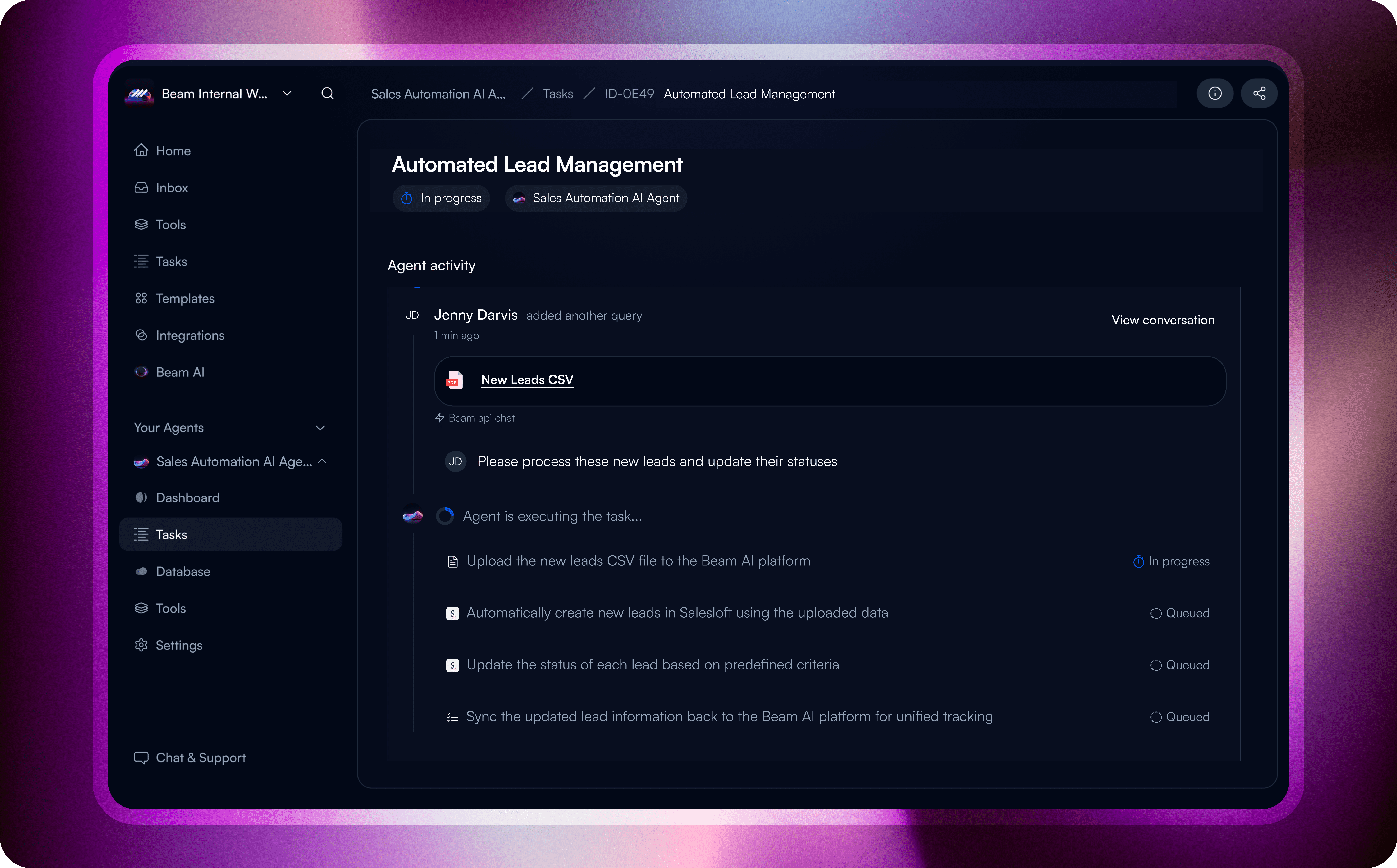
Credit: beam.ai
Key Features of Wave Accounting API
Here are some important things you can do with the Wave API:
- Access customer data: Get details about your clients and customers.
- Send invoices: Create and send bills automatically.
- Track payments: Check who paid and when.
- Manage products and services: Add or update items you sell.
- Get reports: See how your business is doing with financial reports.
How Does the Wave Accounting API Work?
To use the API, you first need to get permission from Wave. This is done by creating an API key. The API key is like a password. It tells Wave that you or your app can access your account data.
Then, your software sends requests to the Wave API. These requests ask for data or tell Wave to do something. Wave sends answers back. For example, your app can ask for a list of invoices. Wave will send the list in response.
Steps To Use Wave Api
- Sign up for a Wave account if you do not have one.
- Go to the Wave Developer section on their website.
- Create an API key to get access.
- Use the API documentation to learn how to send requests.
- Write code or use software to connect your app with Wave.
Benefits of Using Wave Accounting API
Many businesses see these benefits when using the Wave API:
| Benefit | Explanation |
|---|---|
| Save Time | Automate data entry and reduce manual work. |
| Reduce Errors | Less chance of mistakes when transferring data. |
| Better Business Insights | Get up-to-date reports and information easily. |
| Easy Integration | Connect Wave with other tools you use. |
| Improved Customer Service | Send invoices and updates quickly to clients. |
Common Uses of Wave Accounting API
Here are some examples of how people use the Wave API:
- Connecting a website store: Automatically add sales to Wave.
- Custom invoicing: Create invoices from other software.
- Payment tracking: Keep all payment records in one place.
- Inventory management: Update product lists without logging into Wave.
- Financial reporting: Build special reports for your business needs.
Limitations to Know
The Wave API is helpful but has some limits. It may not cover every feature in Wave. Some parts of the software cannot be controlled with the API. Also, the API may need updates from time to time.
If you are not a programmer, you may need help to use the API. It requires some knowledge of coding and computers.
Tips for Using Wave Accounting API
- Read the official API documentation carefully.
- Keep your API key safe and private.
- Test your code in small steps to avoid errors.
- Use secure connections to protect your data.
- Ask for help from developers if needed.
Frequently Asked Questions
What Is Wave Accounting Api Used For?
Wave Accounting API helps connect your app with Wave’s financial tools. It lets you automate tasks like invoicing and payments easily.
How Secure Is Wave Accounting Api?
Wave uses strong security measures like encryption to protect your data. Your financial information stays safe during API use.
Can I Sync My Bank With Wave Accounting Api?
Yes, Wave API allows syncing bank transactions automatically. This saves time and reduces manual entry errors.
Does Wave Accounting Api Support Multiple Currencies?
Wave API supports multiple currencies for global businesses. You can manage payments and invoices in different currencies smoothly.
Conclusion
Wave Accounting API is a useful tool for small businesses. It helps connect Wave with other software. This makes business work faster and easier. You can automate tasks like invoicing and payment tracking. It also helps keep data accurate.
Even if you are not a coder, you can get help to use the API. Many businesses find the API useful to save time and reduce mistakes.
If you want to improve your business accounting, Wave API is worth learning about. It can help you keep your business organized and professional.
