
Are you struggling to delete an invoice in QuickBooks and wondering how to do it without messing up your accounts? You’re not alone.
Whether you created an invoice by mistake or need to remove an outdated one, knowing the right steps can save you time and prevent errors. You’ll learn exactly how to delete an invoice in QuickBooks quickly and safely. Keep reading to get clear, simple instructions that will help you manage your invoices like a pro.
Locate The Invoice
QuickBooks lets you find invoices easily. Start by using the search bar at the top. Type the invoice number or customer name. The search results show matching invoices right away.
Another way is to go through the Sales menu on the left side. Click Sales, then choose Invoices. This shows a list of all invoices. Scroll or use filters to find the one you want.
Both methods help you locate the invoice quickly. Once found, you can review or delete it as needed.
Credit: essential-it.com
Open The Invoice Details
Start by opening QuickBooks and going to the Invoices section. Here, you will see a list of all your invoices. Scroll or search to find the specific invoice you want to delete.
Click on the invoice to open its details. Check the invoice date, customer name, and amount to make sure it is the right one. Confirm all information before proceeding.
Delete The Invoice
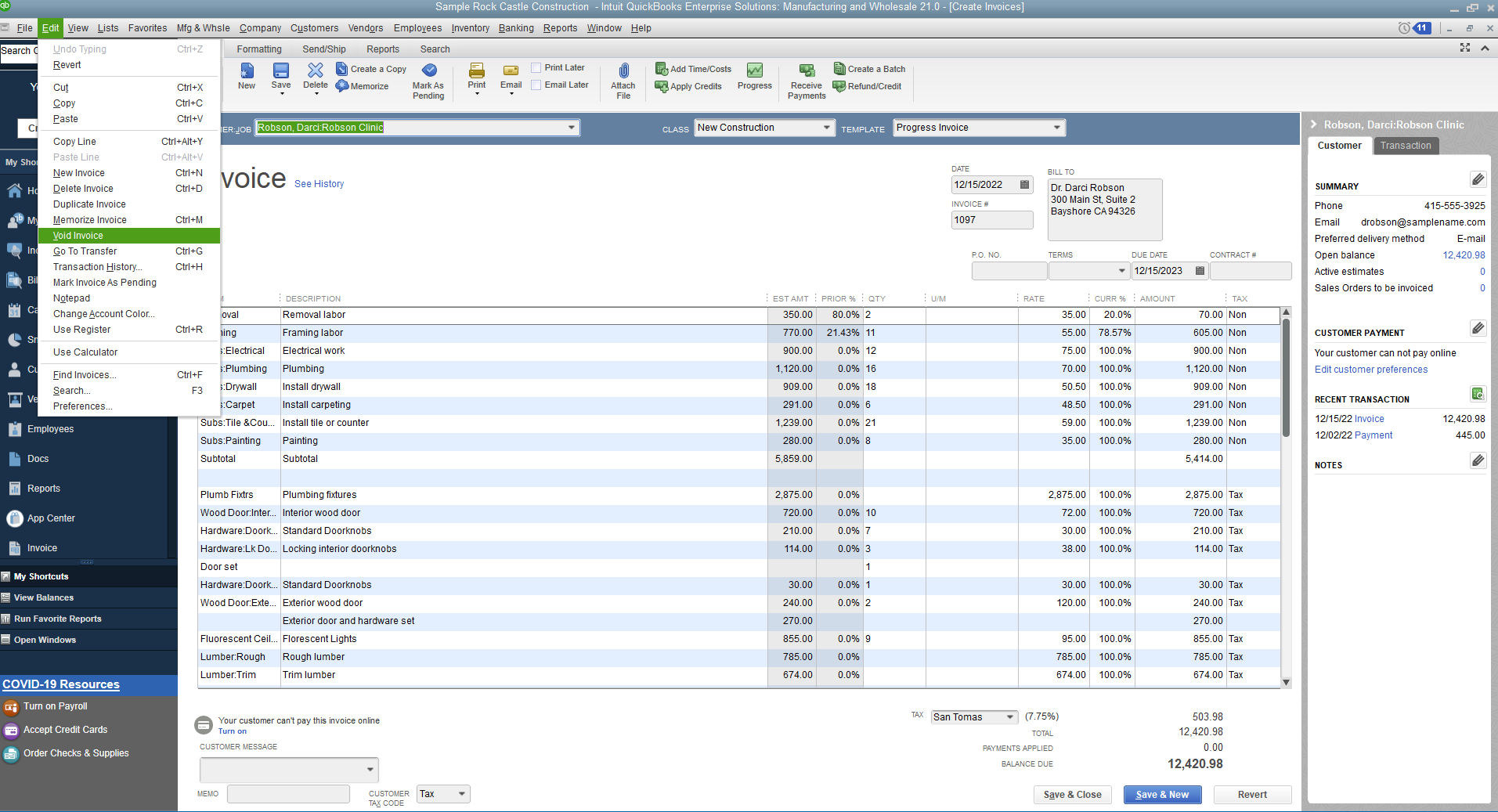
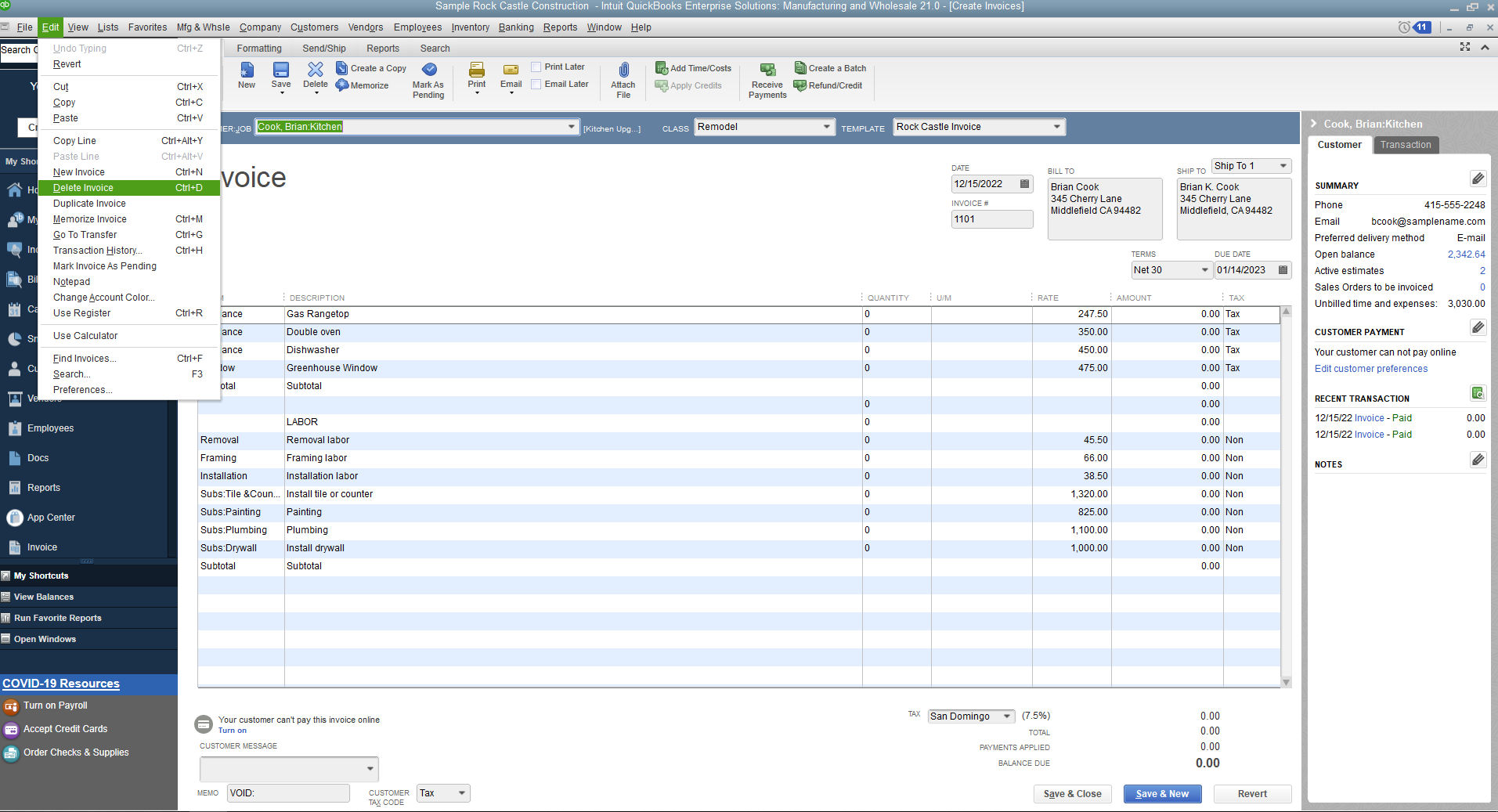
Open the invoice you want to delete in QuickBooks. Find the More button at the bottom or top of the screen. Click it to see a list of options.
Choose Delete from the list. A confirmation message will appear. This is to make sure you want to remove the invoice.
Click Yes or Confirm to delete the invoice. The invoice will be removed from your records. Be careful, as this action cannot be undone.
Credit: quickbooks.intuit.com
Undo Or Restore Deleted Invoices
The Audit Log helps find and undo deleted invoices easily. It keeps a record of all changes made in QuickBooks. To use it, go to the Audit Log, find the deleted invoice entry, and choose to restore or undo the deletion. This way, no important data is lost.
Restore from Backup is another safe option. QuickBooks allows saving backup files regularly. If an invoice is deleted by mistake, open the latest backup file and restore the invoice data from there. Always keep backups updated to avoid data loss.
Common Issues When Deleting Invoices
Invoices connected to payments cannot be deleted easily. QuickBooks keeps payment records tied to invoices. Deleting such invoices can cause errors or data loss. First, unlink or delete the payment linked to the invoice. Only then can the invoice be deleted.
Permission restrictions also block invoice deletion. Users need proper rights to delete invoices. Without these rights, the option will be unavailable. Check user roles in QuickBooks settings. Ask your administrator to grant permission if needed.
Credit: essential-it.com
Best Practices For Managing Invoices
Regularly checking invoices helps catch mistakes early. This keeps your records accurate and up to date. Set a schedule to review invoices every week or month. Spotting errors fast saves time and money.
Backing up your data is very important. Save copies of your invoices in safe places. Use cloud storage or external drives for backups. This protects your information from loss or damage. Frequent backups ensure you can restore files if needed.
Frequently Asked Questions
How Can I Delete An Invoice In Quickbooks Online?
To delete an invoice in QuickBooks Online, open the invoice, select “More,” then click “Delete. ” Confirm the deletion to remove it permanently from your records.
Is It Possible To Recover A Deleted Invoice In Quickbooks?
No, once an invoice is deleted in QuickBooks, it cannot be recovered. Always double-check before deleting to avoid data loss.
Can I Delete Multiple Invoices At Once In Quickbooks?
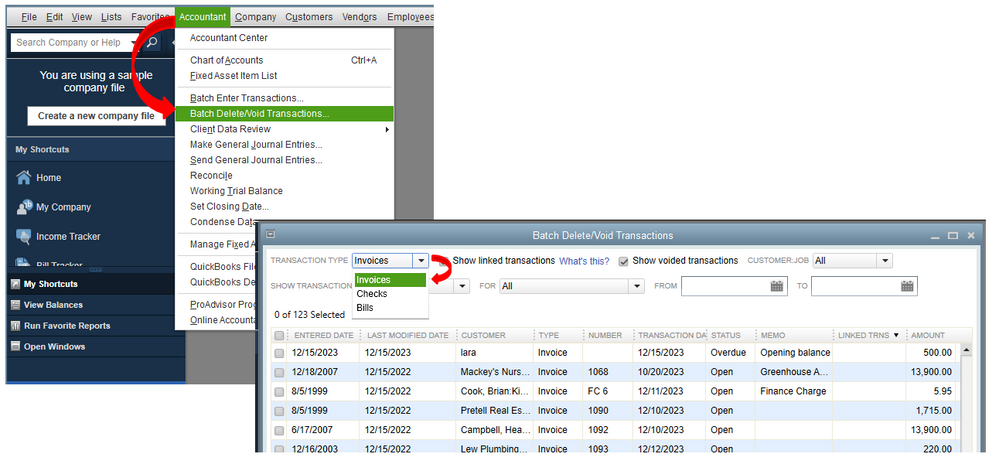
QuickBooks does not support deleting multiple invoices simultaneously. You must delete each invoice individually to ensure accuracy in your records.
Will Deleting An Invoice Affect My Accounting Reports?
Yes, deleting an invoice will update your accounting reports by removing the transaction, affecting income and customer balances accordingly.
Conclusion
Deleting an invoice in QuickBooks is simple and quick. Just follow the steps carefully, and you can remove any unwanted invoice. Keeping your records clean helps your business stay organized. Always double-check before deleting to avoid mistakes. Using QuickBooks properly saves time and reduces errors.
Practice these steps a few times to feel confident. Managing your invoices correctly makes accounting easier. Keep your financial data accurate and up-to-date. QuickBooks helps you stay on top of your business finances.
