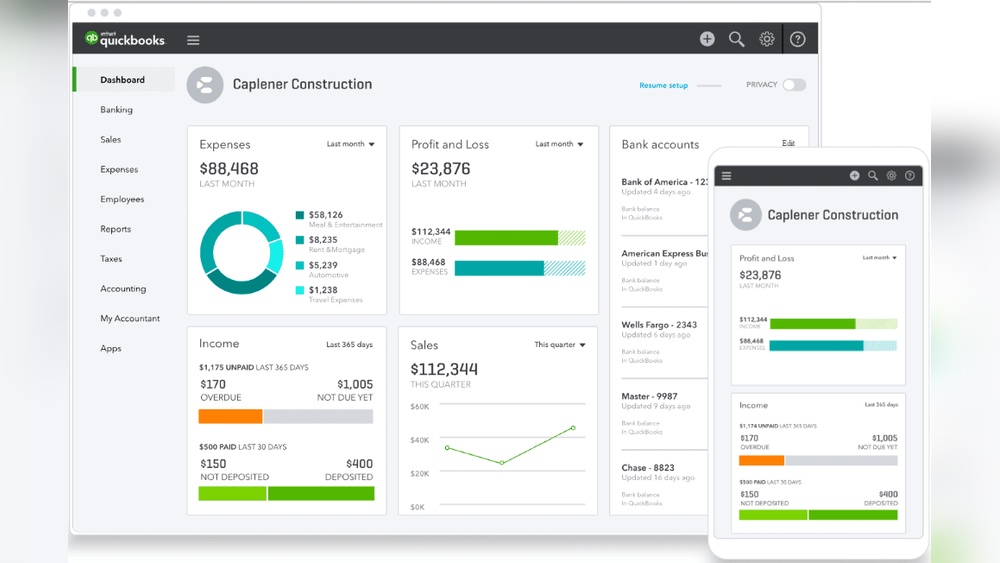

Are you thinking about learning QuickBooks but wondering just how hard it really is? You’re not alone.
Many people worry that mastering accounting software will be too complicated or time-consuming. The good news? QuickBooks is designed to be user-friendly, even if you don’t have a background in finance. You’ll discover what to expect when learning QuickBooks, common challenges you might face, and simple tips to make the process smoother.
By the end, you’ll have a clear idea of whether QuickBooks is the right fit for you—and how to get started with confidence. Keep reading to unlock the secrets to mastering QuickBooks without the stress.
Quickbooks Basics
QuickBooks helps with small business accounting. It tracks income, expenses, and invoices. Users can create financial reports easily. The software also supports payroll and tax management.
There are several versions to choose from. Each fits different business needs. Here is a simple table showing the main types:
| Version | Best for | Key Features |
|---|---|---|
| QuickBooks Online | Users needing access anywhere | Cloud-based, multi-user, automatic updates |
| QuickBooks Desktop | Users wanting a one-time purchase | More advanced tools, works offline |
| QuickBooks Self-Employed | Freelancers and independent workers | Expense tracking, tax estimates, mileage log |
Learning Challenges
Many users find QuickBooks challenging due to its accounting terms. Words like debit, credit, and reconciliation can confuse beginners. Understanding these concepts is key to using QuickBooks well.
Some struggle with setting up accounts correctly. Mistakes here can cause errors in reports later. It takes time to learn the right way to organize financial data.
Entering transactions requires accuracy and attention. Small errors can lead to big problems in tax filing or budget tracking. This can be frustrating for new users.
Users often need help learning how to generate reports. These reports show how money flows in and out. Understanding them is important for business decisions.
Skill Levels And Learning Curves
QuickBooks is easier for those with some accounting experience. Beginners need more time to learn basic tasks like invoicing and tracking expenses. Experienced users quickly adapt to advanced features such as payroll and tax reports.
Time investment depends on your prior knowledge. Beginners may spend weeks practicing simple functions. Experienced users often spend less time, focusing on new updates or shortcuts.
| Skill Level | Learning Focus | Time Needed |
|---|---|---|
| Beginner | Basic tasks like billing and expense tracking | Several weeks |
| Experienced | Advanced features like payroll and reports | Few days to one week |
Credit: quickbooks.intuit.com
Effective Learning Strategies
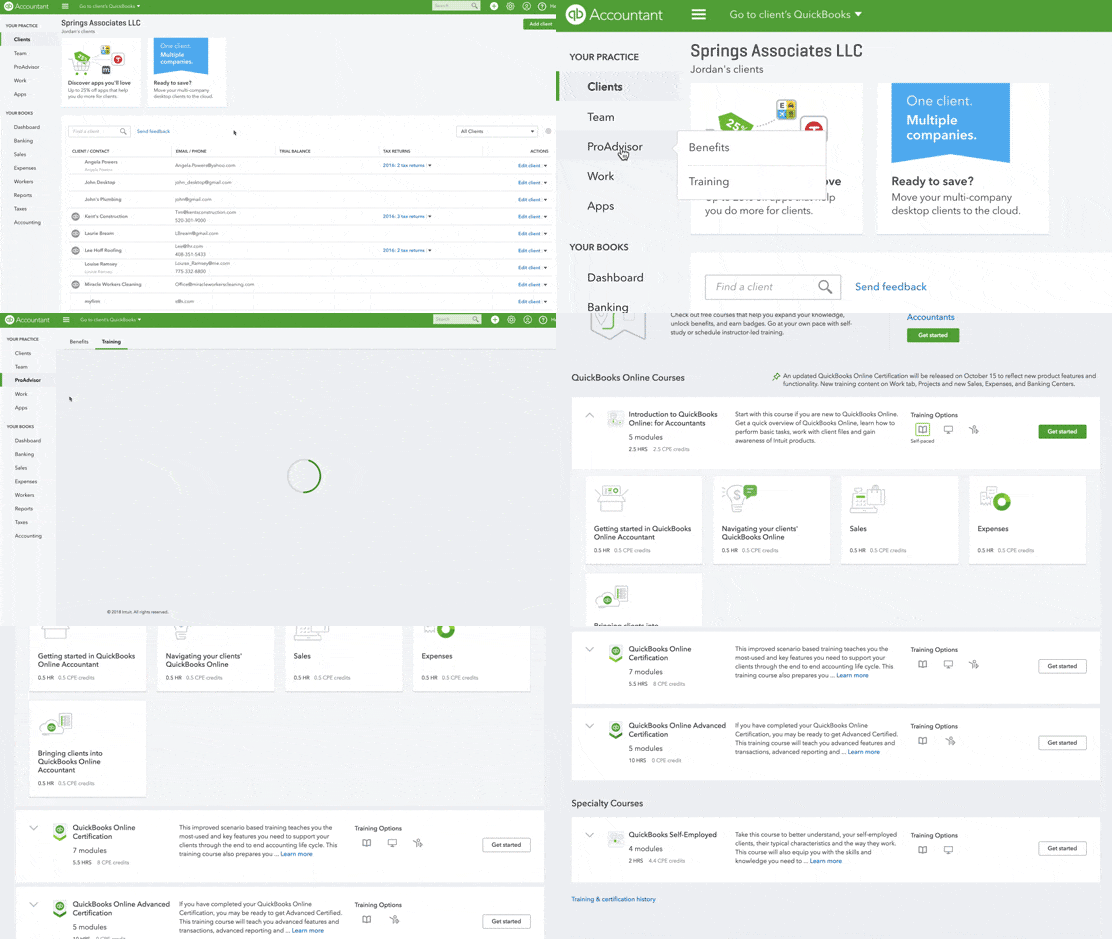
Online tutorials offer step-by-step guides to learn QuickBooks easily. Videos and articles explain features clearly. They let learners move at their own pace. Watching tutorials helps understand basic and advanced functions well.
Hands-on practice is key to remembering QuickBooks skills. Create sample data to try different tools safely. Practicing regularly builds confidence and reduces mistakes. Simple tasks like entering transactions improve skill fast.
Formal courses provide structured learning with expert teachers. They offer exercises, quizzes, and feedback. Courses can be online or in a classroom. This method suits those who want clear guidance and support.
Expert Advice
Common mistakes slow down learning QuickBooks. Skipping tutorials leads to confusion. Entering wrong data causes errors and wastes time. Not backing up files risks losing important info.
Focus on understanding basic functions first. Take small steps. Practice regularly. Use QuickBooks help guides to solve problems fast. Ask for support from experts or community forums.
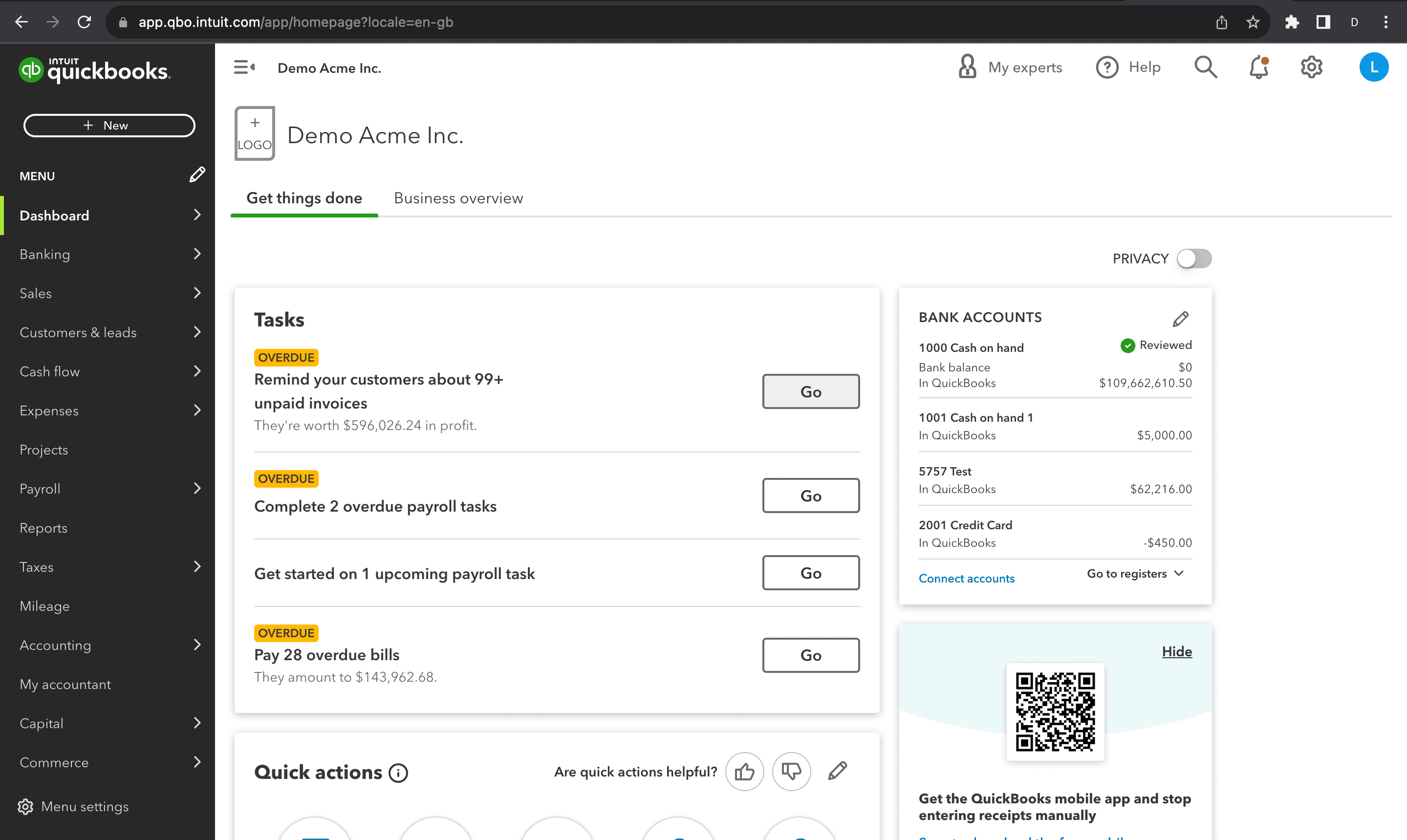
Maximizing efficiency saves time and reduces stress. Customize your dashboard to see important numbers quickly. Use keyboard shortcuts to speed up tasks. Set reminders for bills and invoices.
Keep your records organized and updated. Regularly reconcile accounts to avoid mistakes. Review reports often to track your business health. Small habits build strong QuickBooks skills.
Credit: liveflow.com
Resources And Support
Community forums help users share tips and solve problems fast. Many users ask questions and get quick answers from others. These forums are free and open to everyone.
Official QuickBooks Help offers guides, videos, and FAQs on their website. It covers basic and advanced topics. Users can find step-by-step instructions for common tasks.
Third-party tools include apps and software that work with QuickBooks. These tools help with reports, taxes, and data backup. Some are free, others need a small fee.

Credit: quickbookstraining.com
Frequently Asked Questions
How Hard Is It To Learn Quickbooks For Beginners?
QuickBooks is beginner-friendly with basic accounting knowledge. Its user interface is intuitive, and many tutorials simplify learning. Practice and consistent use make mastering it easier over time.
How Long Does It Take To Learn Quickbooks?
Learning QuickBooks basics can take a few days to weeks. Advanced features require more practice, usually a few months. Time depends on your prior accounting experience and usage frequency.
Can Non-accountants Easily Use Quickbooks?
Yes, QuickBooks is designed for non-accountants. It automates many tasks and offers clear reports. Users with minimal accounting skills can manage finances effectively with some practice.
What Are The Biggest Challenges In Learning Quickbooks?
Common challenges include understanding accounting terms and setting up accounts correctly. Navigating advanced features like payroll or tax reports can also be tricky initially.
Conclusion
Learning QuickBooks can seem tough at first. It takes time and practice. Step-by-step guides help a lot. Many users find basic tasks easier quickly. Patience is key to understanding the software well. Small daily efforts build strong skills. Online tutorials and forums offer support.
Soon, handling finances feels less stressful. Keep trying, and don’t give up. QuickBooks can become a useful tool for your business.
