

Are you looking for a way to make your business accounting smoother and faster? You might be wondering, does Clover integrate with QuickBooks?
If you use Clover for payments and QuickBooks for bookkeeping, connecting the two could save you a lot of time and headaches. Imagine having your sales data automatically flow into your accounting software without any manual work. Keep reading to discover how this integration works, what benefits it offers, and how it can simplify your daily tasks.
You don’t want to miss out on this game-changing solution for your business.
Clover And Quickbooks Basics
Clover is a popular point-of-sale system. It helps businesses handle sales, payments, and inventory. QuickBooks is an accounting tool that tracks money, bills, and taxes. Both tools serve different but important roles in business.
Key features of Clover include easy payment processing, sales tracking, and inventory management. It works well for shops and restaurants. QuickBooks Essentials offers invoicing, expense tracking, and financial reporting. It helps keep business finances organized.
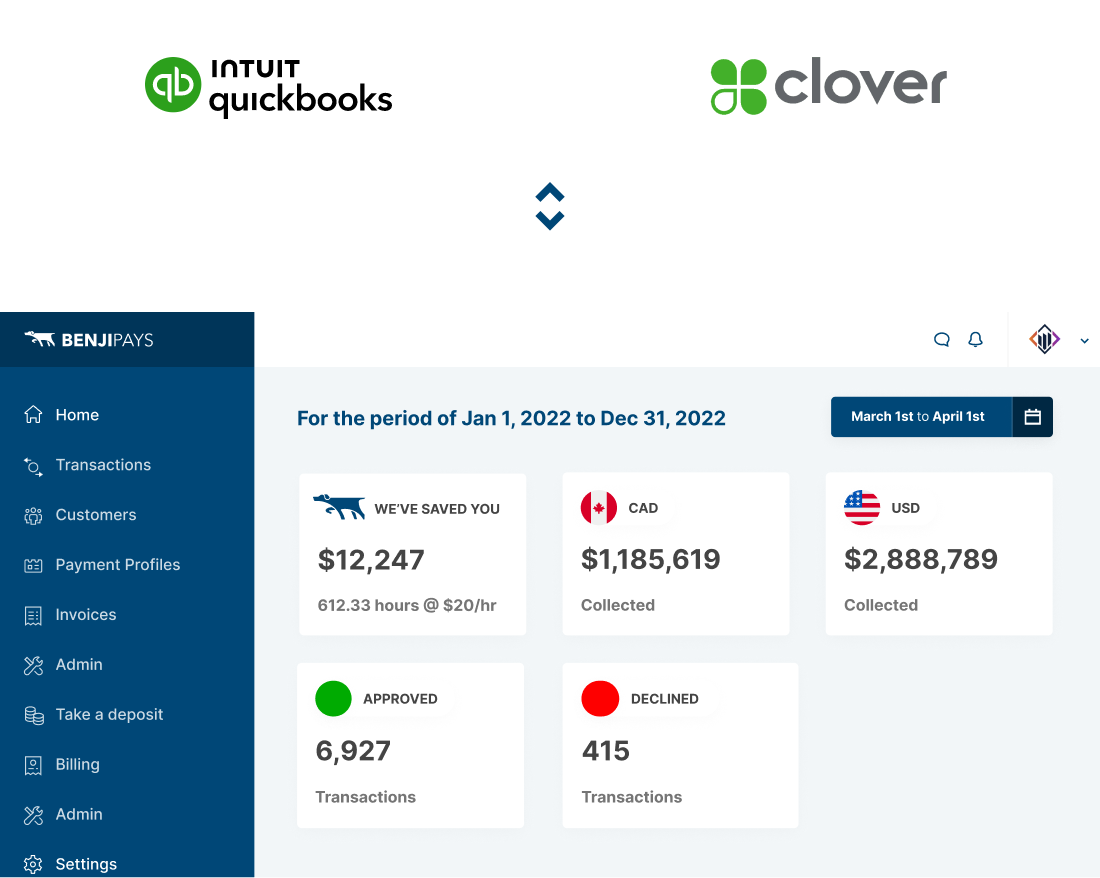
Integrating Clover with QuickBooks means sales and payment data flow automatically. This saves time and reduces mistakes. Business owners can see sales and expenses in one place. It helps with faster bookkeeping and better money management.
Integration Options
Clover offers a native integration with QuickBooks. This makes syncing sales and financial data easy and automatic. You can connect your accounts and save time on manual entry. This option suits small businesses wanting simple setup and fewer steps.
Third-party tools also connect Clover with QuickBooks. Apps like Zapier or others help move data between platforms. These tools add flexibility and extra features. They work well for stores needing custom workflows or more control.
Manual export and import is another choice. Export sales reports from Clover as CSV files. Then, upload these files into QuickBooks. This method is free but takes more time and effort. Good for businesses with low sales volume or no need for real-time data.
Setting Up The Integration
Start by signing into your Clover and QuickBooks accounts. Connect them using the official integration app. This link allows data to flow between the two systems.
Next, set up your sync preferences. Choose what data you want to sync, like sales, taxes, and customers. Decide how often syncing happens to keep your books updated.
Some common issues include login errors or syncing delays. Check your internet connection first. Make sure both apps have the latest updates installed. If problems continue, review the integration settings for mistakes.
Syncing Data Between Platforms
Clover and QuickBooks can share important data to keep business records updated. Sales and transactions from Clover are sent to QuickBooks automatically. This helps track income without manual work. Each sale updates the financial records in QuickBooks, making accounting easier and faster.
Inventory management is simpler when both platforms sync. Clover updates product quantities after every sale. QuickBooks then reflects current stock levels. This reduces errors and avoids overselling.
Customer information also transfers between systems. Customer details from Clover appear in QuickBooks. This keeps contacts organized for future sales or marketing. No need to enter data twice.
| Data Type | How It Syncs | Benefit |
|---|---|---|
| Sales and Transactions | Automatic transfer of sales records | Accurate and up-to-date income tracking |
| Inventory Management | Stock levels updated after each sale | Prevents overselling and stock errors |
| Customer Information | Customer details shared between platforms | Organized customer data for easy access |
Benefits Of Seamless Sync
Syncing Clover with QuickBooks saves a lot of time. It removes the need to enter data twice. Sales and expenses move automatically to QuickBooks. This means less work for you and your team.
Errors drop sharply because data transfers without manual typing. Mistakes like wrong numbers or missed entries become rare. This keeps your books clean and correct.
Financial insights get clearer and faster. You see up-to-date reports without waiting. QuickBooks shows how your business is doing in real time. This helps you make smart choices quickly.

Credit: www.paytraqer.com
Common Challenges And Solutions
Data discrepancies happen when Clover and QuickBooks show different numbers. This can confuse users and cause mistakes in reports. Common causes include incorrect settings or missing transactions. Double-checking data entry and syncing regularly helps fix this.
Sync delays occur because data transfer between Clover and QuickBooks is not instant. This delay can cause old or incomplete data to appear. Waiting a few minutes before checking QuickBooks usually solves the problem. Also, a strong internet connection helps speed up syncing.
Handling errors is important to keep data accurate. Errors may appear due to connection problems or software bugs. Users should review error messages carefully and follow the given steps to fix them. Contacting support is a good choice if issues continue.
Best Practices For Integration
Regular data backups keep your information safe. Save files often to avoid loss. Use cloud or external drives for extra security.
Consistent reconciliation helps find mistakes fast. Check your Clover and QuickBooks records every week. Fix errors before they cause problems.
Staying updated with software ensures smooth work. Install updates for Clover and QuickBooks on time. Updates fix bugs and improve features.
Credit: quicksync.pro
Credit: benjipays.com
Frequently Asked Questions
Does Clover Integrate Directly With Quickbooks?
Yes, Clover integrates directly with QuickBooks Online. This syncs sales data automatically for easier accounting and bookkeeping.
How Does Clover Quickbooks Integration Benefit Businesses?
Integration saves time by automating data entry, reduces errors, and provides real-time financial insights for better decision-making.
Can Clover Sync Sales And Expenses To Quickbooks?
Yes, Clover can sync both sales and expense transactions to QuickBooks, simplifying financial tracking and reporting.
Is Quickbooks Integration Available For All Clover Plans?
QuickBooks integration is available on most Clover plans but may require additional setup or subscription fees.
Conclusion
Clover works well with QuickBooks for easy accounting. It saves time by syncing sales and expenses automatically. Business owners can track their money in one place. This helps avoid mistakes and keeps records clear. Using both tools together makes managing finances simpler.
Choose the right plan to fit your business needs. Overall, Clover and QuickBooks create a smooth workflow. They help you focus more on growing your business. Simple, smart, and effective.
